
Inputs
ReadyText and up to 5 reference images
Models
Typography and realism
Create typography-led graphics, context-aware realistic scenes, and reference-guided campaign visuals from one production workspace. GPT Image 2 combines seven aspect ratios, 1K to 4K output, and three selectable quality levels so you can match visual ambition to the placement and budget.
DreamMotion AI provides an independent workspace for this model. Current controls and credits reflect the verified integration.
Current integration
The GPT Image 2 AI Image Generator supports text-to-image creation from a detailed prompt and image-to-image work with up to five reference images. Choose seven supported canvases, 1K, 2K, or 4K output, and Standard, Medium, or High quality. The generator calculates the exact 2–80 credit cost from those settings before submission.
Inputs
ReadyText and up to 5 reference images
Resolution
Ready1K, 2K, 4K
Quality
ReadyStandard, Medium, High
Generation cost
Ready2–80 credits / image
Create on this page
The workspace is preselected for this model. Add a prompt or references, choose supported settings, and review the exact credit total before generating.
Prompt framework
Build stronger GPT Image 2 prompts by defining the intended deliverable, composition, exact visible copy, contextual relationships, reference roles, and final quality before adding optional decorative detail.
Put every required headline, label, caption, or interface phrase in quotation marks. Name the language, exact spelling, hierarchy, location, alignment, typographic character, and the amount of negative space around it. Explain which line must dominate and which copy is supporting information. Generated text still requires human review, so inspect spelling, punctuation, and small labels before delivery instead of assuming a visually plausible result is correct.
Begin with the intended use, primary subject, framing, camera perspective, and relationship between every important element. State where the focal point sits, how the eye should travel, and where copy or a logo will appear. When using references, assign each image one clear role such as identity, pose, layout, palette, material, or environment. This gives GPT Image 2 a directed visual system instead of a loose list of objects and style adjectives.
Choose Standard, Medium, or High quality according to the stage of the work, then pair it with 1K, 2K, or 4K output and the final placement ratio. Use practical settings while testing composition, copy, and reference roles; reserve a higher-cost final for a direction that has already been reviewed. The generator shows the exact total before submission, making it easier to compare the additional detail with the 2–80 credit range.
Reusable example
Create a [poster, campaign image, editorial visual, educational graphic, or realistic scene] for [audience and placement]. Feature [primary subject] in [composition and camera perspective], with [supporting elements] arranged [spatial relationships]. Render the exact visible text “[required copy]” as [headline, label, caption, or interface text] in [typography style, hierarchy, and location]. Image 1 defines subject identity, Image 2 guides composition, and Image 3 controls color, material, or atmosphere. Preserve [protected details], use [lighting and color direction], leave [negative-space requirement], avoid [unwanted elements], and produce a [quality level] [aspect ratio] image at [resolution] with accurate context, readable text, and a polished final finish.
How to use
Follow the same four-step path from the first input to the final credit review, using only controls available in the current DreamMotion workspace.
Start from a written direction for a new image, or add up to five references for identity, layout, palette, materials, and atmosphere.
Define the intended use, subject relationships, camera perspective, negative space, and every visible word that should appear in the image.
Choose one of seven aspect ratios, 1K to 4K output, and Standard, Medium, or High quality according to the production stage.
Confirm the prompt and settings after the generator calculates the current 2–80 credit total, then submit only when the requested output matches the brief.
Capabilities and best use cases
Explore GPT Image 2 examples for multilingual typography, visual reasoning, realistic scenes, and campaign-ready poster systems, illustrated with official release media.
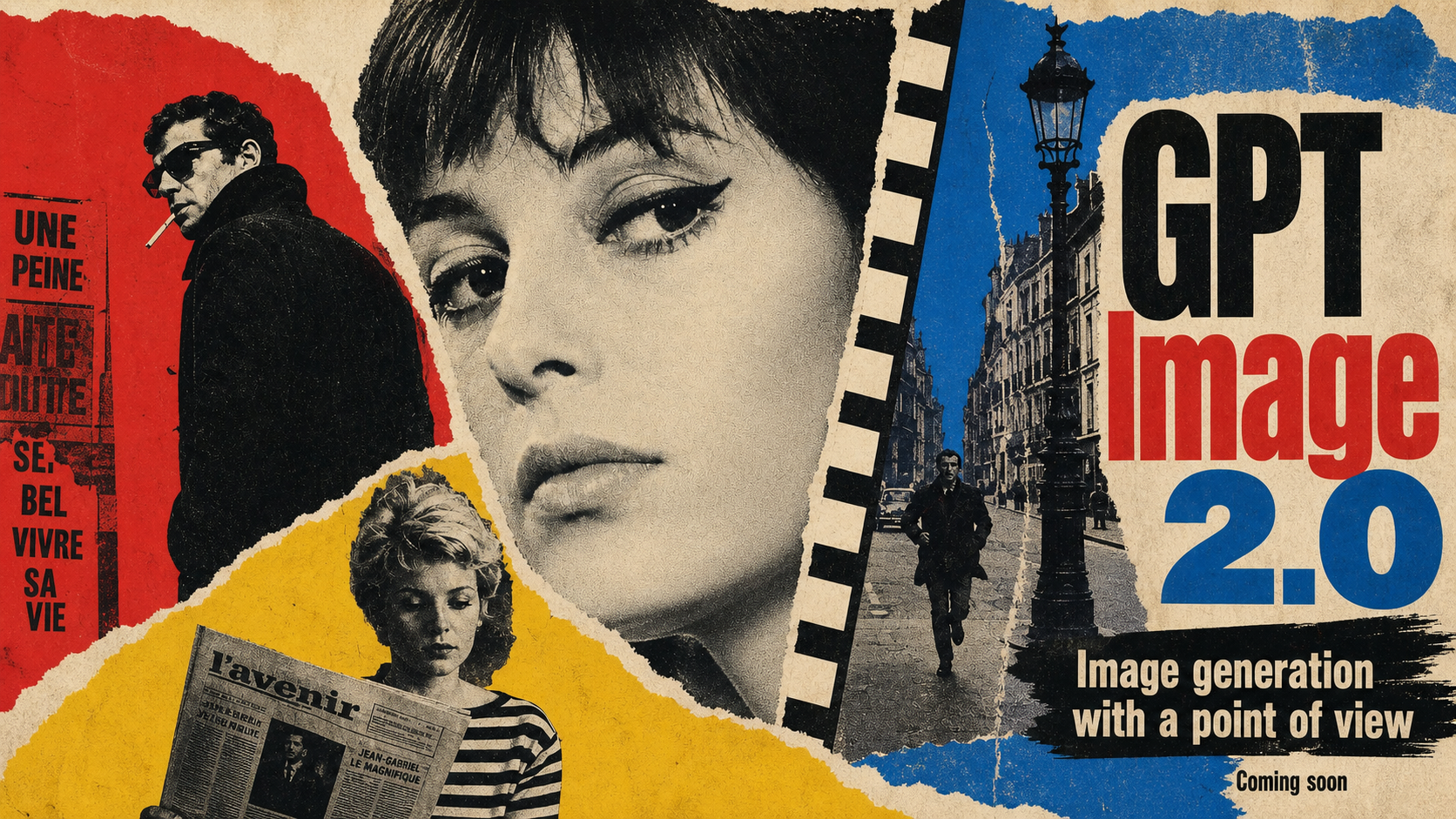
Campaign-ready graphics
Combine a dominant visual, readable headline, and supporting copy in a composition designed for its final placement. Define the aspect ratio up front so the layout works without relying on a later crop.
Best for
Capability examples use official openai gpt image 2 release media from the cited official source.
Open official sourceModel comparison
Choose by creative role, control, and current credit range instead of assuming the heaviest model fits every brief.
Rapid concept exploration
Detailed campaign artwork
Typography and poster graphics
High-density infographics
Choose GPT Image 2 when readable visible copy, multilingual layouts, contextual reasoning, or selectable final quality leads the brief. Nano Banana 2 is the lower-cost choice for rapid iteration, recurring characters, localization, and everyday campaign adaptation. Nano Banana Pro is a focused alternative for detailed multi-reference art direction and a fixed production workflow. The strongest model depends on the job: compare the desired text fidelity, reference complexity, output resolution, and current credit range before generating rather than defaulting to the most expensive setting.
Good to know
Clear answers about the current integration, credits, references, and generation behavior.
Credits are calculated from the selected resolution and quality. Current combinations range from 2 credits for a Standard 1K image to 80 credits for a High 4K image, with intermediate prices for Medium quality and 2K output. DreamMotion AI displays the exact total on the generator before submission, so you can change quality, resolution, or the creative direction before spending credits.
The model is especially useful for AI poster generation, multilingual layouts, editorial and campaign graphics, educational scenes, realistic concepts, and visuals that depend on relationships between objects or ideas. It is a strong choice when visible copy, contextual detail, prompt adherence, or final-quality control matters more than producing the least expensive draft. The examples on this page show several of those creative roles without limiting the model to one style.
This image generator adds three selectable quality levels and is positioned here for visible text, multilingual design, contextual reasoning, and polished realistic scenes. Nano Banana 2 uses a simpler five-credit workflow suited to fast ideation, character consistency, localization, and multi-format campaigns. Nano Banana Pro uses ten credits per image and is suited to detailed multi-reference compositions, materials, fashion, product work, and structured visual direction. Use the model comparison on this page to choose by task rather than name alone.
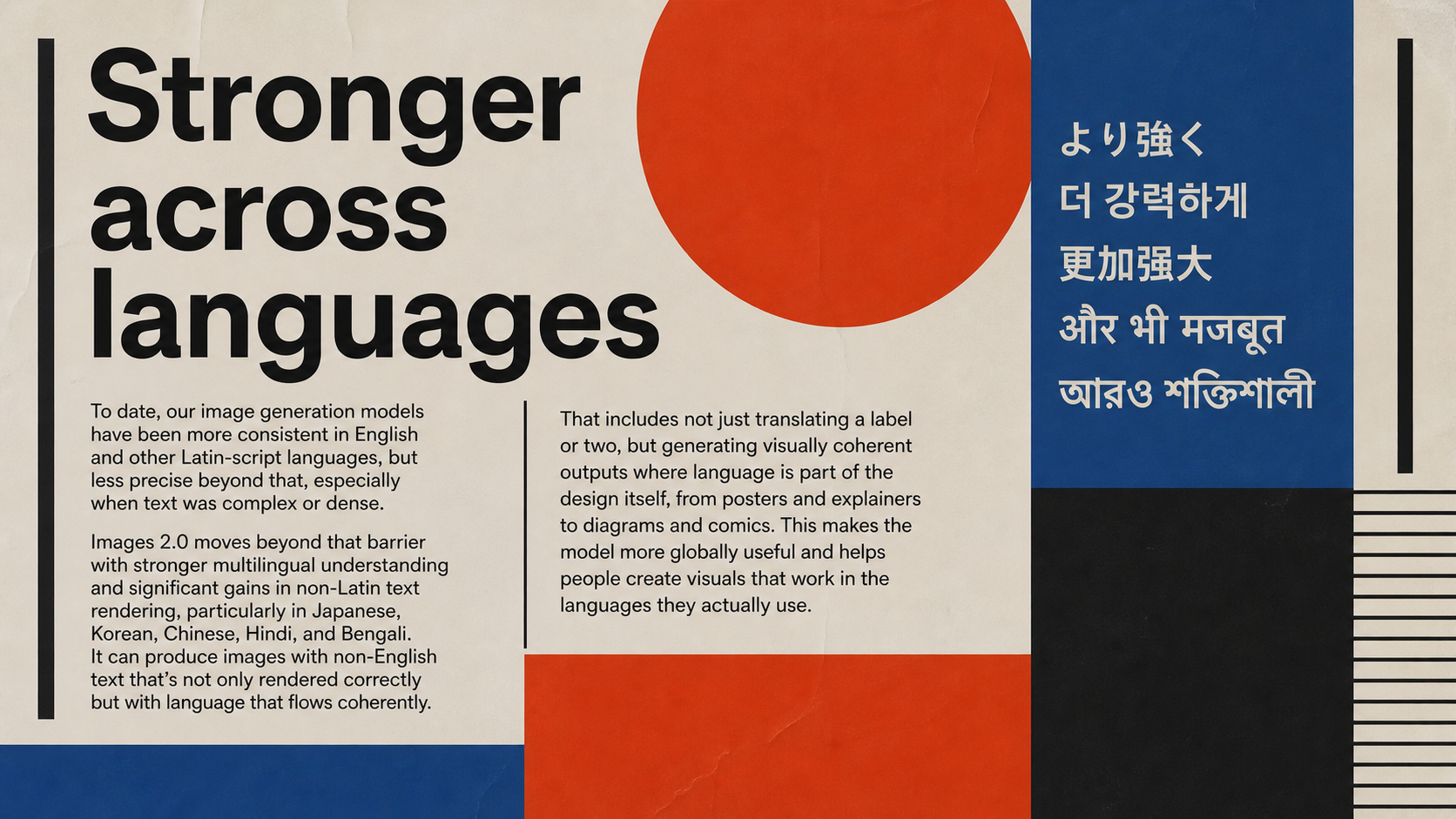
The model can create posters, labels, editorial graphics, and multilingual compositions in which visible text is part of the design. For the best starting point, quote the exact copy and specify its language, hierarchy, placement, alignment, scale, and style. Image generation is not a substitute for proofreading: always check every letter, number, brand term, legal line, and small label before publishing or sending the visual to production.
The current DreamMotion integration supports 1K, 2K, and 4K output with Standard, Medium, and High quality. Seven canvas options are available: 1:1, 2:3, 3:2, 3:4, 4:3, 9:16, and 16:9. Select the final channel early so the model can compose for a square post, vertical story, portrait poster, landscape campaign, or wide presentation instead of relying on a destructive crop after generation.
Yes. Add up to five reference images to guide the subject, composition, or visual direction before generating.
DreamMotion AI automatically returns the reserved credits when a generation job reaches a confirmed failed state.
Start inside the embedded workspace or open the full creator to keep more room for references, settings, and generated results.
10 free credits on sign-up · No credit card required