

About this tool
Change image dimensions without installing an editor
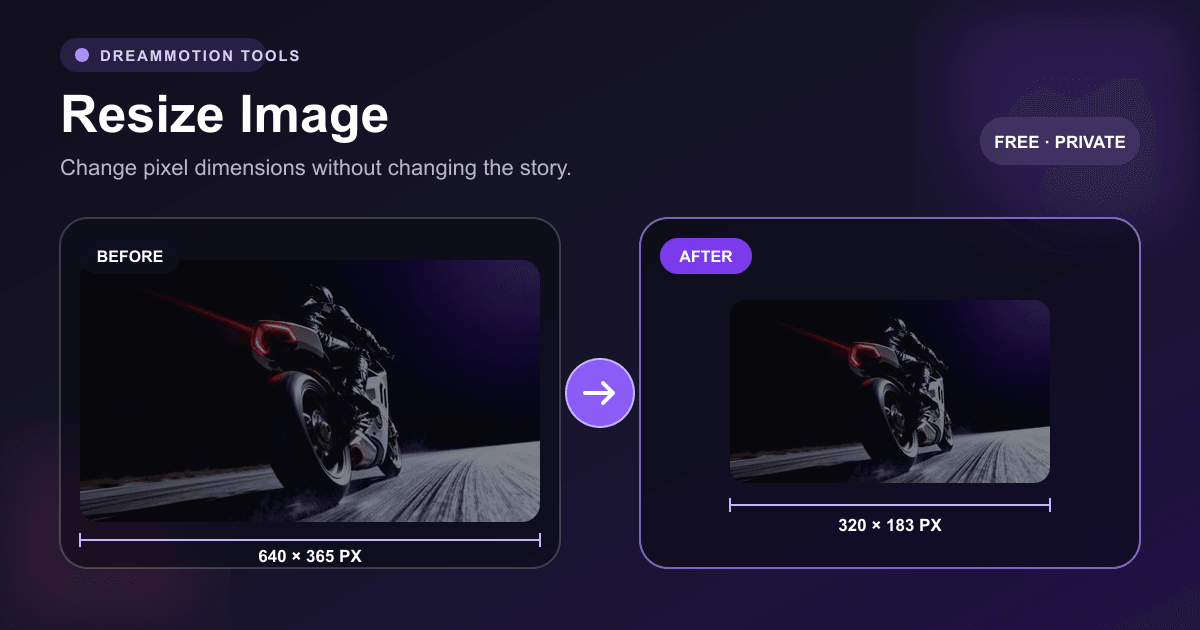
Image dimensions determine how many pixels a file contains, while file size describes how much storage it uses. This image resizer changes width and height directly, making it useful for social posts, website cards, presentation slides, profile pictures, and upload requirements.
Aspect-ratio locking calculates the matching dimension whenever you change width or height. Keeping it enabled prevents accidental stretching. Turn it off only when the destination requires exact dimensions and distortion is acceptable.
Step by step
How to resize an image online by pixels
Built for practical image work
Exact pixel control
Enter dimensions from 1 to 12,000 pixels for precise upload or layout requirements.
Proportional scaling
Lock the source aspect ratio to calculate the matching width or height automatically.
Private browser workflow
The resize operation happens locally, and the source image is not sent to a processing server.
Common uses
- Creating 1080×1080 square social media images
- Preparing 1080×1920 vertical story assets
- Making 1200×630 link preview and Open Graph images
- Scaling images to 1920×1080 for widescreen presentations
Common image dimensions and aspect ratios
Choose dimensions for the destination rather than resizing repeatedly. Starting from the highest-quality source reduces visible softness and compression artifacts.
1080×1080 · 1:1
A common square canvas for feeds and product tiles.
1080×1920 · 9:16
A full-screen vertical canvas for stories and shorts.
1200×630 · 1.91:1
A widely used landscape size for social link previews.
1920×1080 · 16:9
A standard widescreen canvas for slides and video stills.
Frequently asked questions
Questions about this image tool
How do I resize an image without stretching it?
Keep Lock aspect ratio enabled. When you change one dimension, the tool calculates the other from the source proportions.
Does resizing improve a low-resolution photo?
No. It can create more output pixels, but it does not restore missing detail. AI upscaling is a different process.
What is the maximum output size?
Width and height can each be set up to 12,000 pixels, subject to the memory available in your browser.
Are resized images uploaded?
No. Resizing runs locally in your browser, and the generated PNG is downloaded directly.
More image tools
Add Watermark
Add a custom text watermark to any image.
Remove Watermark
Coming soonReconstruct areas covered by visible overlays.
Compress Image
Reduce file size while controlling image quality.