

About this tool
A fast, private image compressor
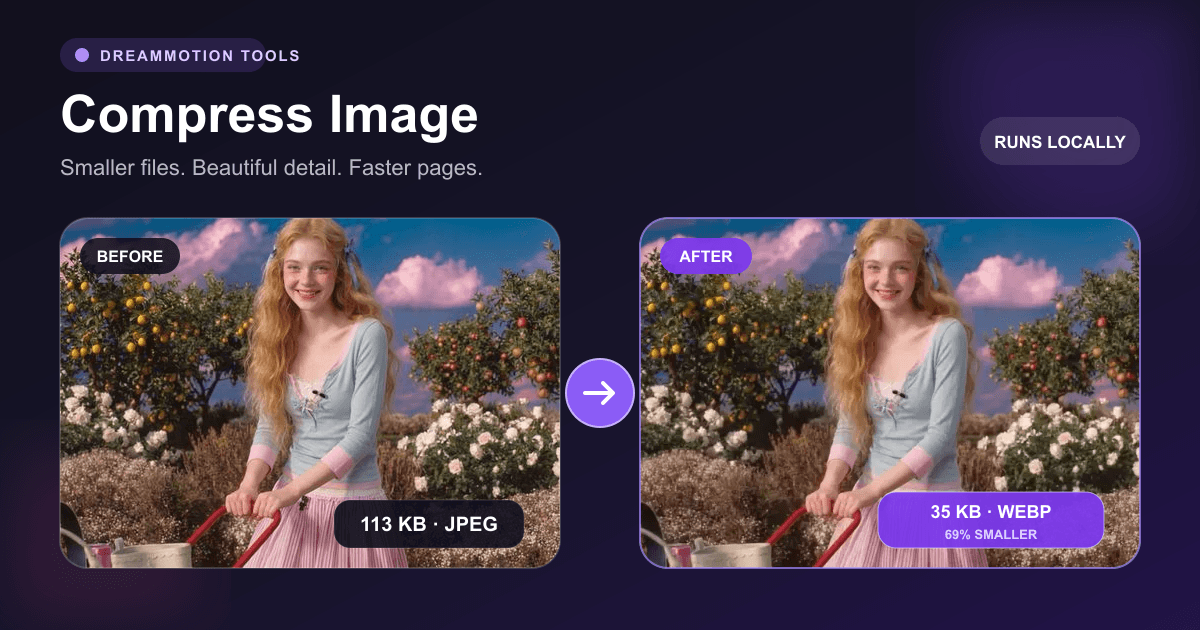
Large images slow down websites, consume storage, and take longer to send. This browser-based image compressor re-encodes your picture at its original pixel dimensions and lets you balance output quality against file size.
JPEG, WebP, and AVIF provide adjustable lossy compression. PNG uses lossless encoding, so the quality slider is removed for that format. The result panel shows the final file size before you download it, making comparisons quick and practical.
Step by step
How to compress an image online in your browser
Built for practical image work
Multiple modern formats
Choose compatibility-first JPEG, transparent PNG, efficient WebP, or next-generation AVIF.
Original dimensions
Compression preserves the source width and height; use the separate resize tool when dimensions should change.
No source upload
Encoding takes place locally through browser Canvas APIs, so the source does not leave your device.
Common uses
- Reducing website and blog image download size
- Preparing email attachments and presentation images
- Converting screenshots to WebP or AVIF
- Optimizing product photos before uploading to a store
Which image format should you choose?
The best output format depends on compatibility, transparency, and the type of image. Always inspect text, edges, gradients, and fine texture after using aggressive quality settings.
JPEG
A reliable choice for photographs and broad compatibility. It does not preserve transparency.
PNG
Lossless and transparency-friendly, best for UI graphics, screenshots, and sharp edges, but often larger for photos.
WebP
A strong default for the web with good photo compression and transparency support in modern browsers.
AVIF
Can produce very small high-quality files, but export is shown only when the current browser can encode AVIF.
Frequently asked questions
Questions about this image tool
Are images uploaded during compression?
No. Compression happens locally in the browser, and the generated file is downloaded directly to your device.
Why does PNG not have a quality setting?
PNG uses lossless encoding in this tool. A lossy quality percentage does not apply to that export path.
Why can I not see the AVIF option?
AVIF is displayed only when your browser reports native Canvas AVIF encoding support. WebP is the recommended fallback.
Does compression resize the image?
No. It keeps the original pixel dimensions. Use Resize Image if you also need to change width or height.
More image tools
Add Watermark
Add a custom text watermark to any image.
Remove Watermark
Coming soonReconstruct areas covered by visible overlays.
Resize Image
Resize images to exact pixel dimensions.